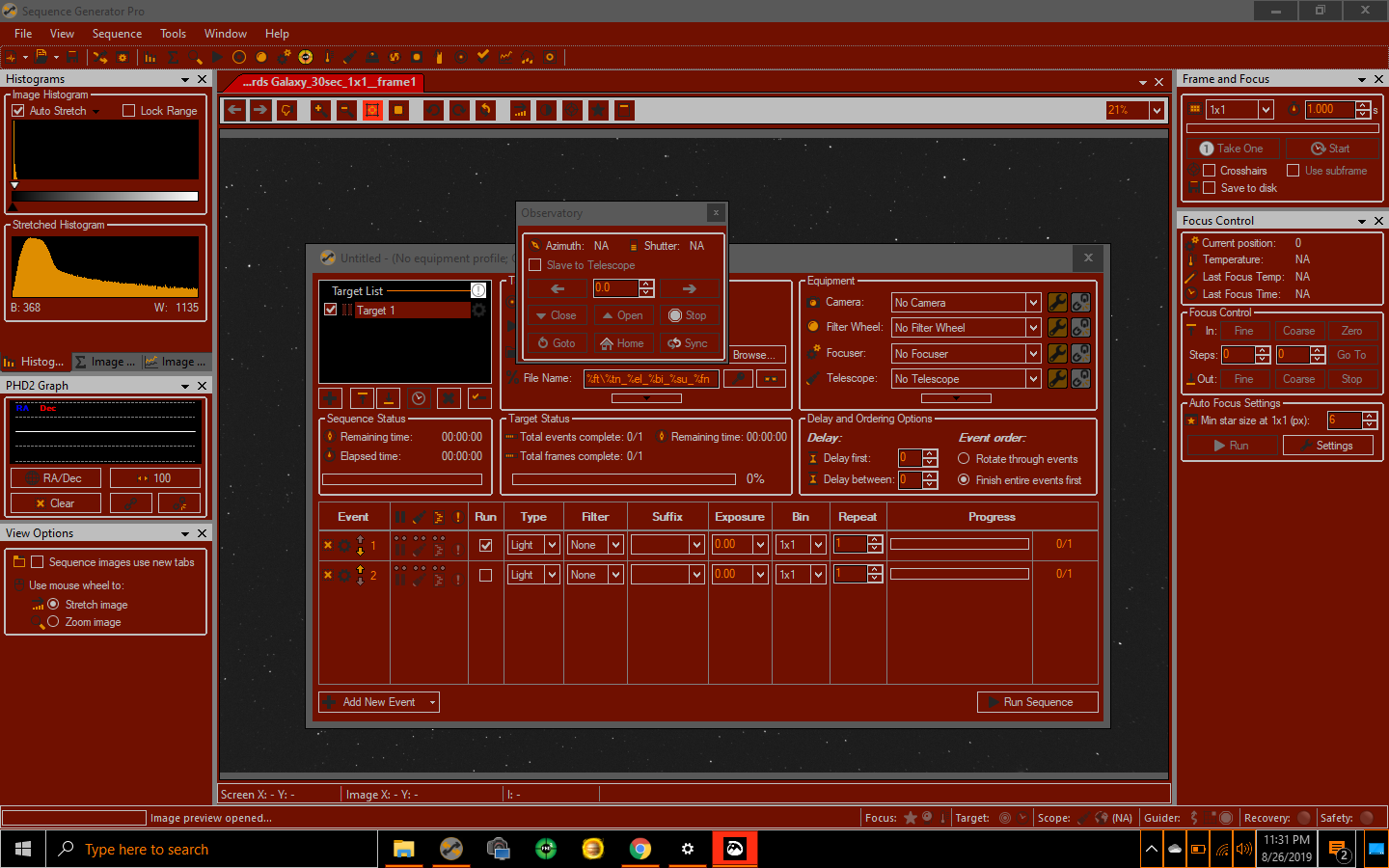
I didn’t like what the Night Light mode provided, so I created my own theme. See attached PNG file and theme file if you want to use it. Instructions for installing:
- Unzip the files
- Open Windows File Explorer
- In the Address Bar, paste this and hit Enter: %LocalAppData%\Microsoft\Windows\Themes
- Copy the theme file to this folder
- Open Settings / Personalization / Colors
- Change to dark mode
- Scroll down to High Contrast Settings - click
- Turn on High contrast settings
- Select Astro-Red theme file
- Done!
Astro-Red Theme.zip (307.7 KB)