Ken - as far as I can tell it occurs each time I bring in the profile or the sequence into a new version of SGP. Obviously I fixed these files before using 3.003 - but if I am right, when you load them into the next beta, the target offset option will be replaced by the sync option.
I am not sure how to reproduce this. Your sequences did indeed open as “sync”. To reproduce, I changed the option to “Target Offset”, saved it and then reopened it. After the save, every time I open it, it opens properly with “Target Sync” applied. Are you able to try that without doing anything else (meaning no other sequence activity, change save, reopen)?
@Ken - yes - the reset back to sync only occurs when I update SGP and open a profile or sequence. I agree with you, if I save it at the end of a night, it is OK the next with the same version of SGP. I’ll create a new sequence and leave it alone and see what happens with the next beta
@Apoplectic1 Thx for the report. Unfortunately, I cannot reproduce it which makes me think it might have something to do with the image you are using. Do you have a way to that to Dropbox or similar?
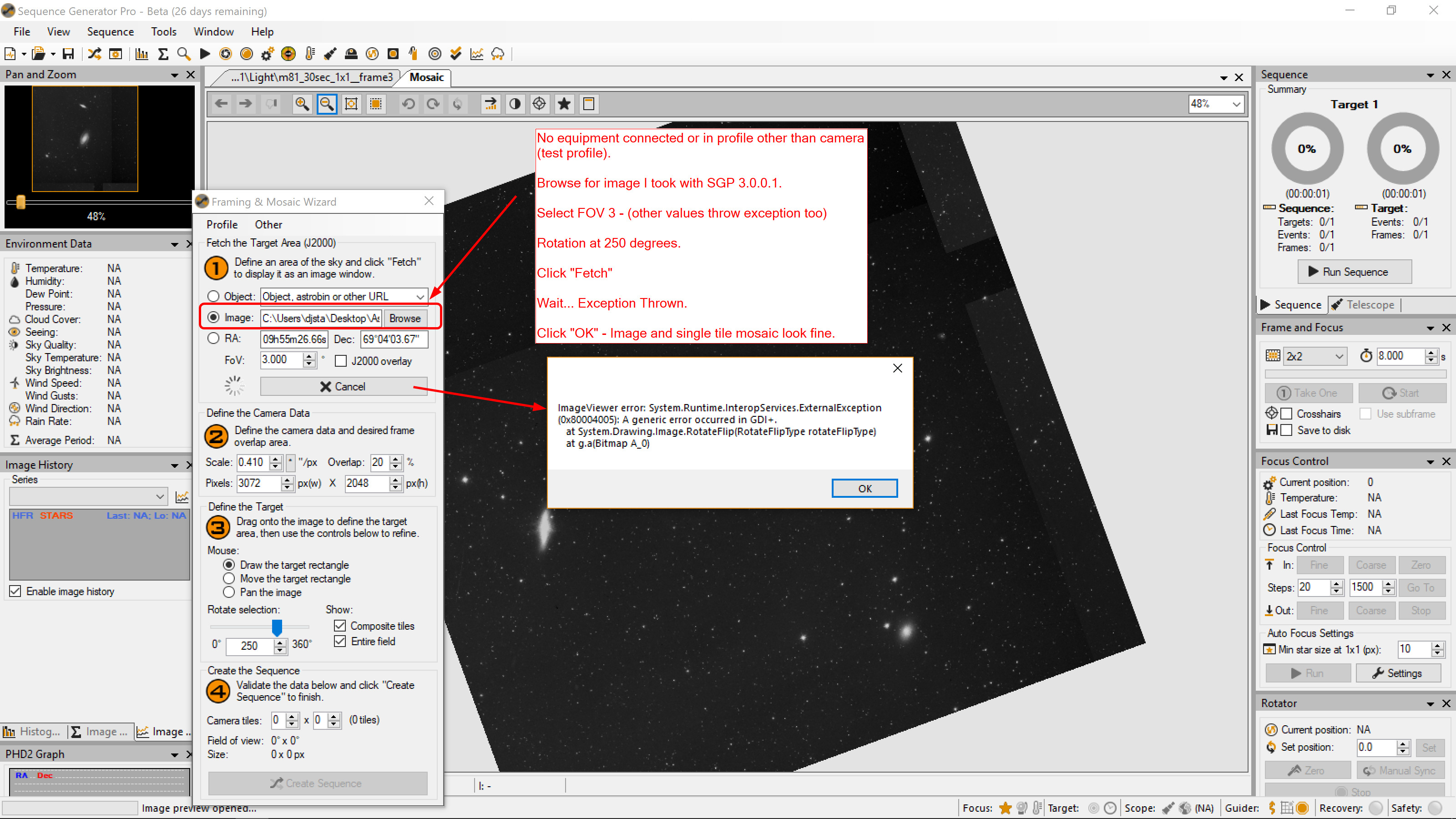
[issue update] - my issue turns out to be associated with manual rotate being set with a sequence using a parked mount - in which the solver tries to determine the rotation angle with a plate solve before slewing to target. Possibility of switching order in next beta should fix this.
Is there any SGPro 3.0.0.3 Issue Thread ? If so … not easy to find
1# Downloaded and installed 3.0.0.3 and it is displaying 12 days remaining… thought it would be 45
2# File -> Import Targets -> DSO Browser List, after the URL was set and the targets imported the
values for (Ra and Dec look like this) RA 908335h28m00,00s and for DEC 75061°08’00,00"
I was reading the release notes for 3.0.0.4 but didn’t see any reference to the AF “IsMoving” bug being fixed. It was in the prerelease that Ken did late last month. I guess you would call it 3.0.0.4 alpha.
This thread seems to be the generic 3.0.0.* thread.
I downloaded the SGP3.0.0.4 alpha a few days ago and have noticed that it still reports 2 days left on the license. Does this mean there are now two versions floating around with the same revision number but different behaviour?
3.0.0.4 - For info, I reported on earlier versions that all my equipment profiles and sequences have their centering options changed from ‘target offset’ to ‘sync’ when I run them with a new SGP version. That is still happening with the latest .4 beta. Every equipment profile has to be edited back to ‘target offset’. Example profile and sequence enclosed. FLT98FF68v2.4.sgp.zip (5.6 KB) VeilNebula.sgf.zip (857.4 KB)
I was just dropping in to point out the same issue, Buzz: Sync behavior is not “sticking.” I hadn’t realized it was due to the updates, but now that you mention it, I updated to 3.0.0.4 last night and it happened again.
Installed a ZWO ASI071 Pro with the native driver setup v 3.0.0.2 . I can select the camera, but can’t access device settings (even when disconnected).
I’m assuming you mean 3.0.0.4? And there are no settings for the native ZWO cameras at this time. Gain is set on the camera tab of the control panel. Offset is not yet exposed.
Using the beta 3.0.0.5 I was able to image last night for the first time for many weeks, meaning I have not been able to properly test any of the betas in my home rig setup: 10 Micron/QSI/PinPoint/Lakeside focuser.
I had a meridian flip failure - the first one for many a long month: Dropbox - File Deleted. The log is reporting a pier side related problem “[12/27/17 23:26:00.885][DEBUG] [Telescope Thread] ASCOM Telescope: Failed to flip because starting pier side and ending pier side are the same!” at 23:26.
For completion of my 3.0.0.5 beta report, the weather improved last night and I imaged with 2.6.0.25 and the meridian flip was executed successfully, as expected. For comparative purposes to help you diagnose the issue, last night’s log is here: Dropbox - File Deleted.
For the avoidance of doubt, between using the beta 3.0.0.5 and 2.6.0.25 there has been no change in 10 Micron firmware or mount settings or SGP settings. I have the beta installed in a separate folder.
Downloaded and installed 3.0.0.5 two days ago. Beta license reported ‘10 days remaining’ when I installed it; today it is now reporting 8 days remaining. Looks like this beta is going to run out well before the standard 45 day cycle. Is resetting the counter something that would be fixed by reinstalling 3.0.0.5?
…Keith
Betas run out 45 days from release, they do not run out 45 days from install like a trial. This is to essentially force updates to betas. There is no benefit to having people on an old beta when many new ones may exist.
Probably not…I mean we’ll come out with something, but it’s unlikely to be another Beta