OK. Took 3 or so days, but I think I have a good solution in place. I’ll release that a little later tonight. I first wanted to post some stuff on the different ways Windows scales things and my opinion on them.
In W8 and W10 (and W7, but presented slightly differently) there are two different ways in which users can request “global scaling” across all apps.
The first way, to me, is the most straightforward and appealing. It scales controls, fonts and images proportionally and creates a larger, but proportional window, like this:
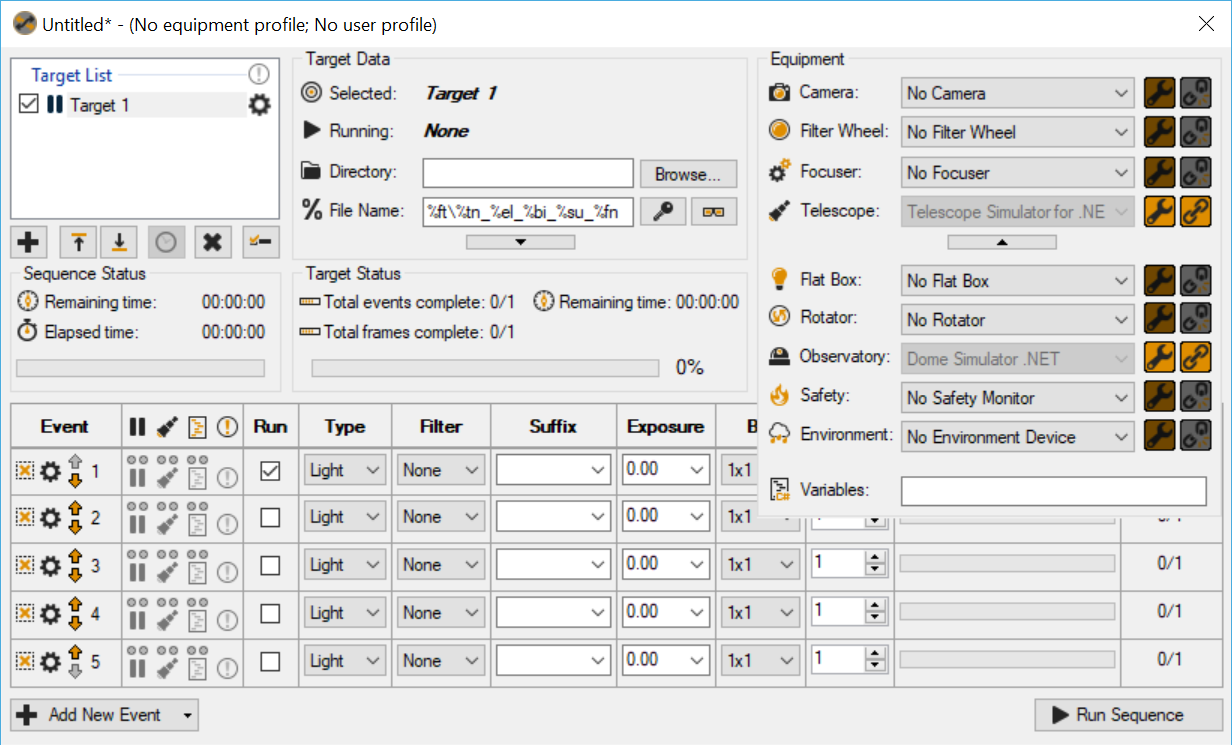
This method of scaling is called “Scale and Layout” (Desktop right click->Display Settings) and is achieved like this:
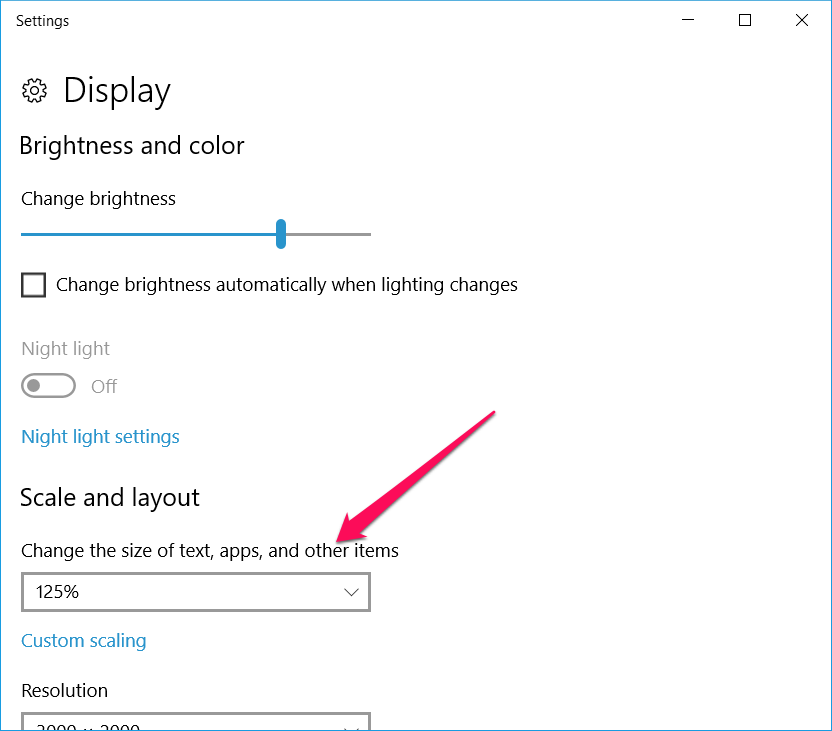
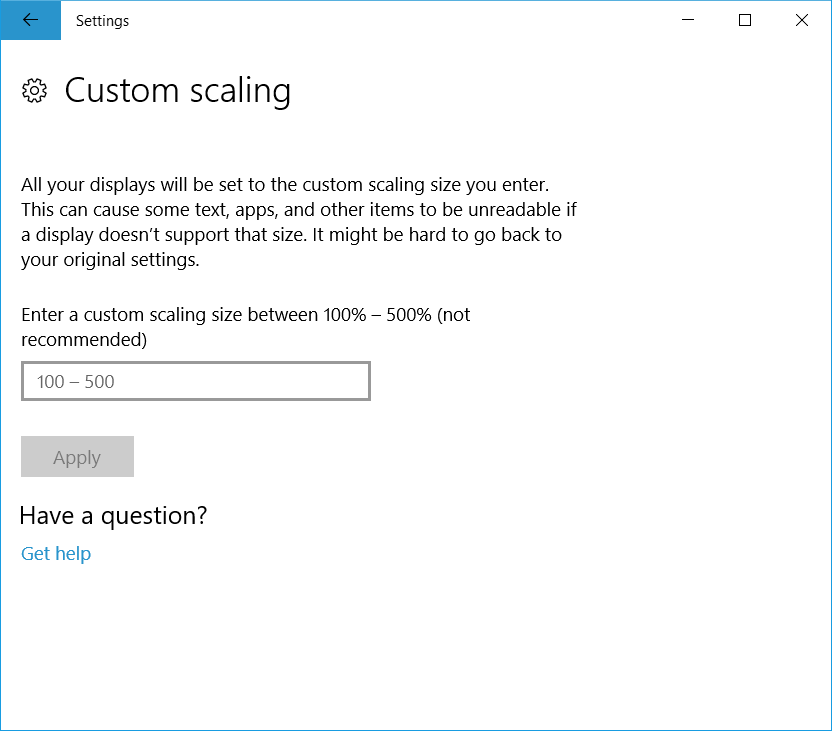
The second way is less clear to me. It is called “custom scaling”. Unlike the first method which indicates that if you set 150% you will be uniformly scaled to 150%, “custom scaling” at 150% will actually scale like the first method, but to 300%. Custom scaling at 150% would produce the reported issue. With the fix in place, high scaling values now produces an ugly, but (mostly) usable window like this (notice how the text starts clipping):
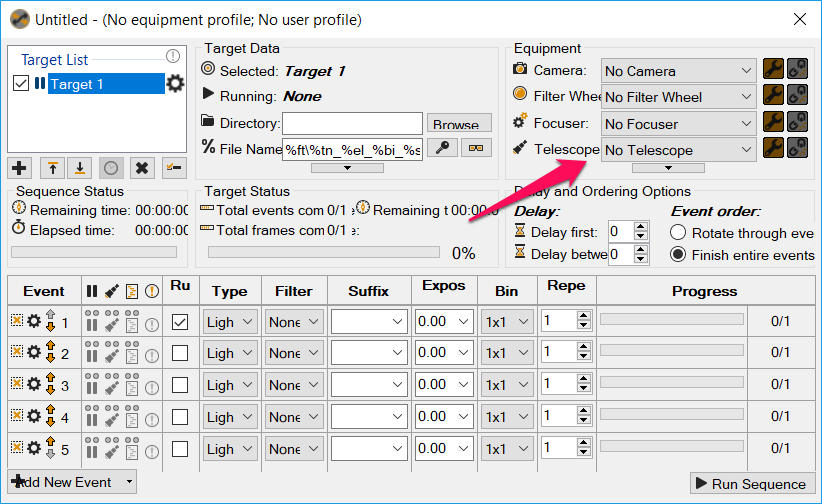
Custom scaling is achieved by clicking the “Custom scaling” link and then this:
It looks like SGPro can claim that it supports (nicely) scaling up to 200% and much higher if you are OK with those little clipping artifacts.
Version 2.6.0.20 will reflect these changes (and vertical resizing of the sequencer was preserved)