Hi guys,
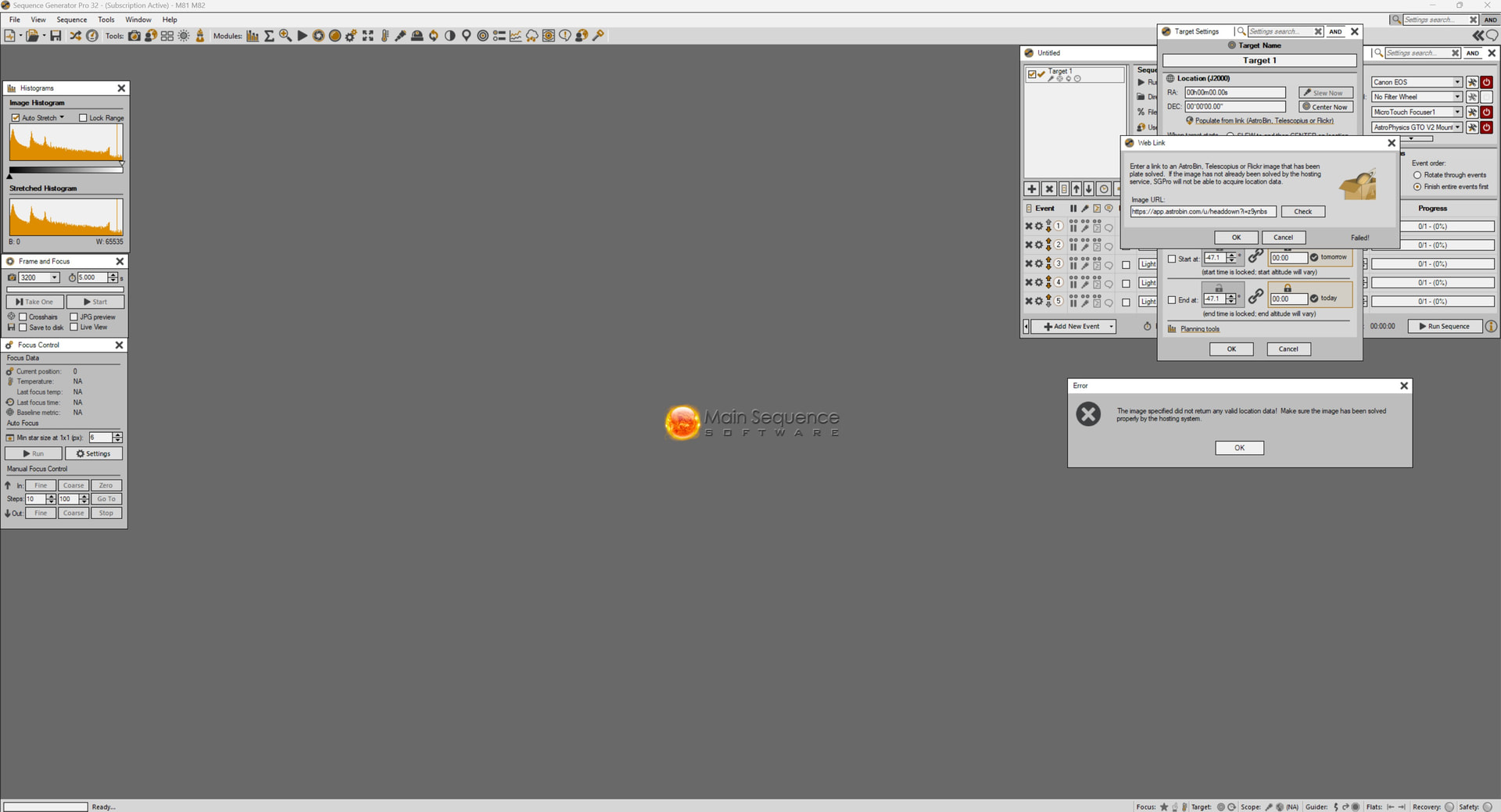
I’m having an issue where images that I know have been properly solved at Astrobin will not import the location data when I tell it to in the target settings of a new sequence.
After I tell it to “populate from link, Astrobin..”, it then checks the image URL and tells me it was not solved by Astrobin when I know it was.
Any help appreciated.
Dean
Valley of the Gods, Utah
It seems ok to me. Could you tell us what version of SGPro you are using and also provide the link of the target you are attempting to import. It’s certainly possible that Astrobin has alternate methods of storing and proving solve coordinates and we don’t follow changes to it super closely.
Hi Ken,
Thanks for your attention to this. It has been an issue for me for a long time. I am using the latest SGP - 4.4.1.1441 and Windows 11.
I can’t seem to even post the Astrobin link here without it getting shortened and not going anywhere. If you look close at the screenshot attached, you can see the Astrobin address. This is one of my own images and I know it has been plate solved. Thanks!
Dean
I’ll check it out, but at first glance that looks like a URL to a AstroBin user and not an AstroBin target.
Hi Ken,
That URL is to one of my own images at Astrobin since I knew it had been plate solved. So I just tried it now on an image (with annotations) from another Astrobin user and had the same result.
Dean
It’s possible something on the AstroBin side has changed. I’ll take a look.
I confirmed that the URL you are using is a new (to us) format. I do not know if the old format is still valid or not but I kept both. This will be fixed in the SGPro 4.5 release.
Fantastic..thanks Ken!
Dean