After downloading 4.5.0.1537, I tested the option to ignore switches again. I opened Control Panel, selected Switches and then marked all to be ignored. All the switches then disappeared from the Control Panel list.
However, I closed SGPro and then re-opened it and all the switches were back.
I repeated the action. When I closed SGPro, it asked me to save the sequence even though I had not created one. I saved the empty sequence. After re-opeing SGPro, all the switches were back.
Also using 4.5.0.1537 and in my case ignoring some switches does work, but still does not have the effect I would like. I have ignored all switches but the Pegasus UPBv2. When I then save the sequence, close and reopen SGP, the other switches are indeed not shown anymore in the Control Panel. So far so good.
Unfortunately SGP is behind the scenes apparently still polling the other switches and on my imaging computer this then triggers launching the Lunatico Dragonfly application. It is my expectation that SGP will not poll ignored switches, but that is still happening…
To clarify, there are 2 types of switches that are displayed in SGPro control panel
Normal Switches: Regardless of inclusion in the sequence, the switches are presented for use in the sequence and will automatically attempt brief connections in order to inventory the switch collection so SGPro can display them for you. The switches you are trying to ignore are these and only these (including simulators which are “installed” on your system)
Orphaned Switches: These are switches for which the current system has no driver, but they ARE saved in the sequence. Ignoring switches does not affect these switches and they are presented in the control panel with a red X. I do not know if that’s what is happening, but if you are using a sequence or profile that has some of the ignored switches saved, they will always display.
I don’t have any answer for this and I have verified through and through that ignored switches are not polled by literally keeping a tail on the ignored switch traffic. Apparently there is something I’m missing, but not sure what it is. Logs would be helpful.
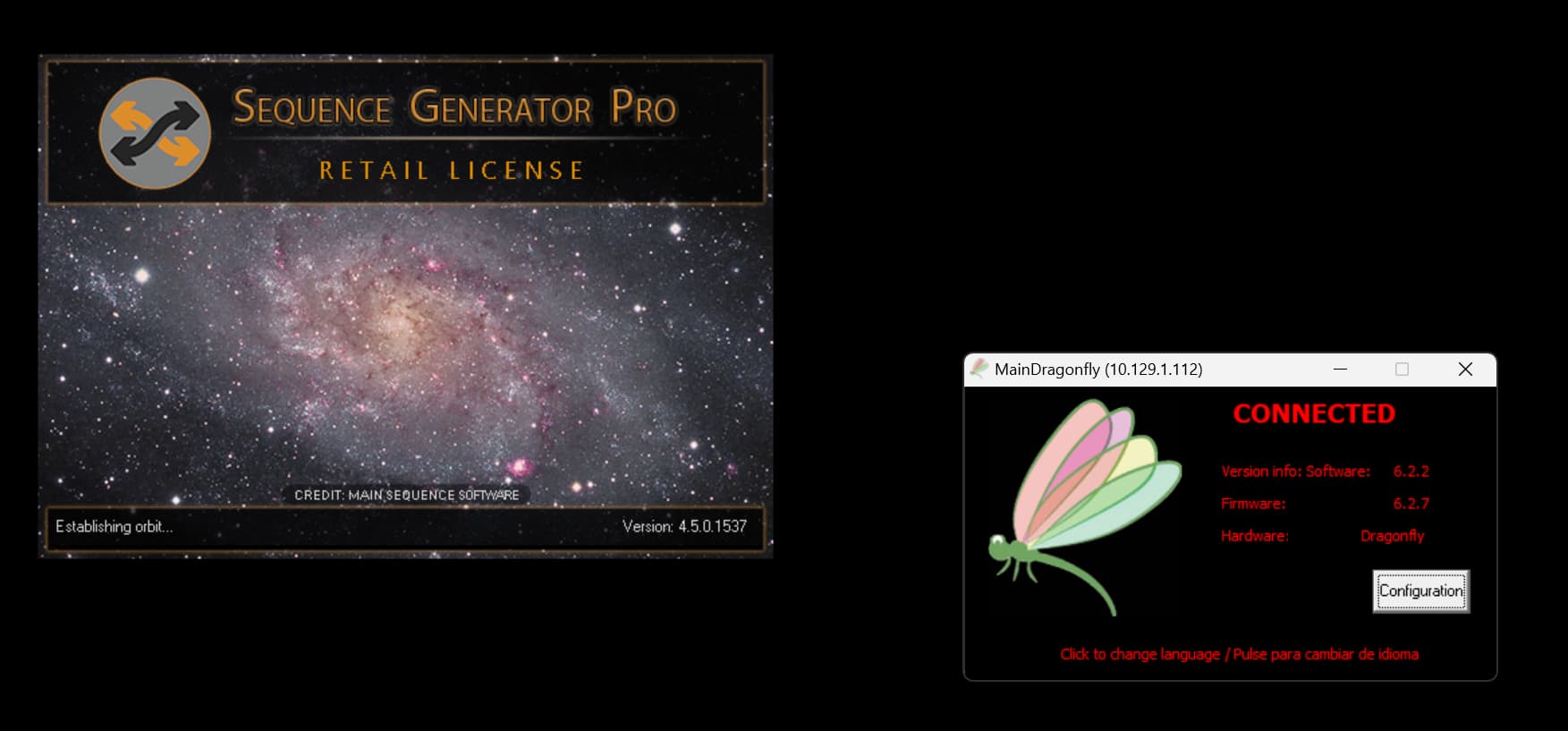
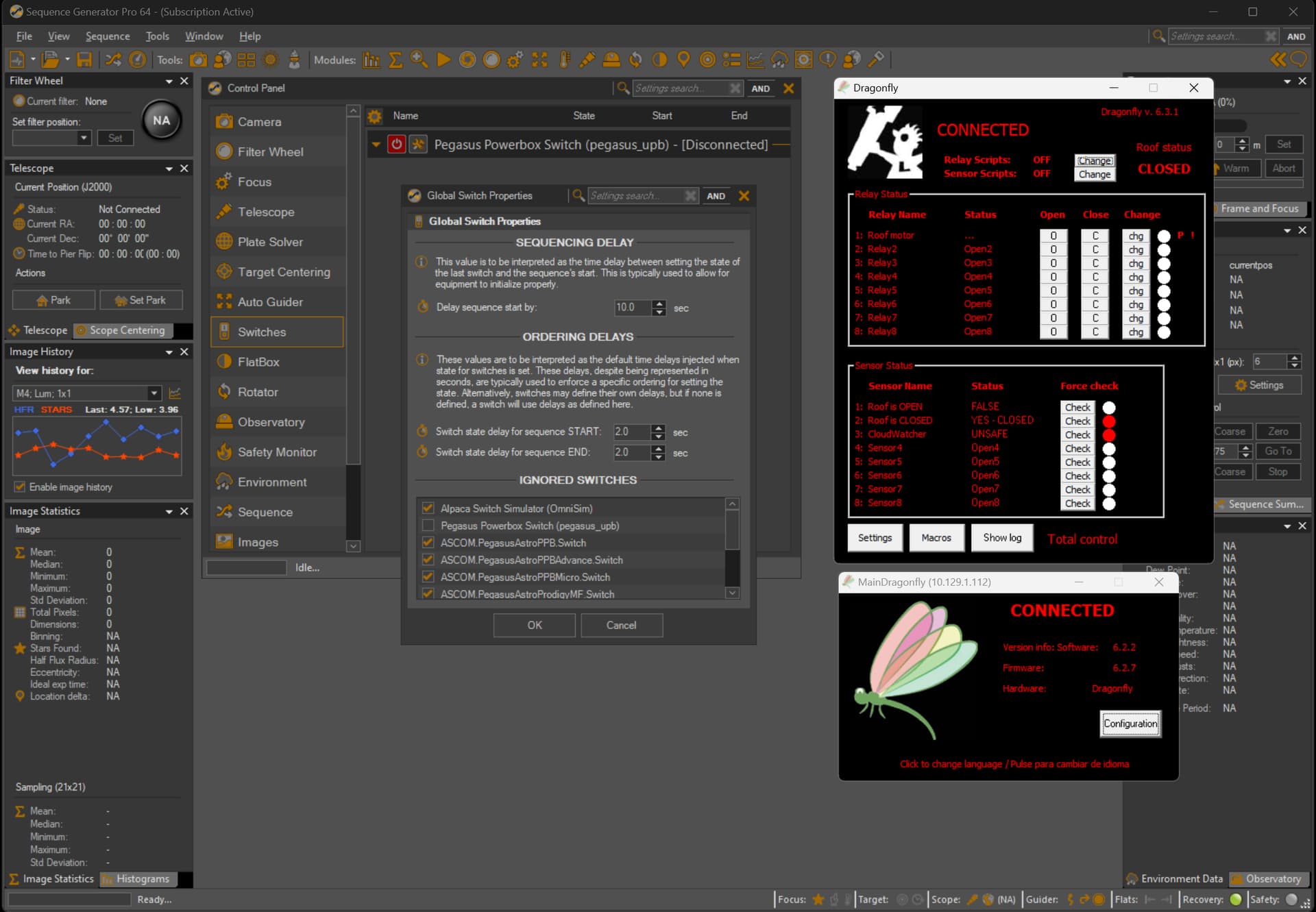
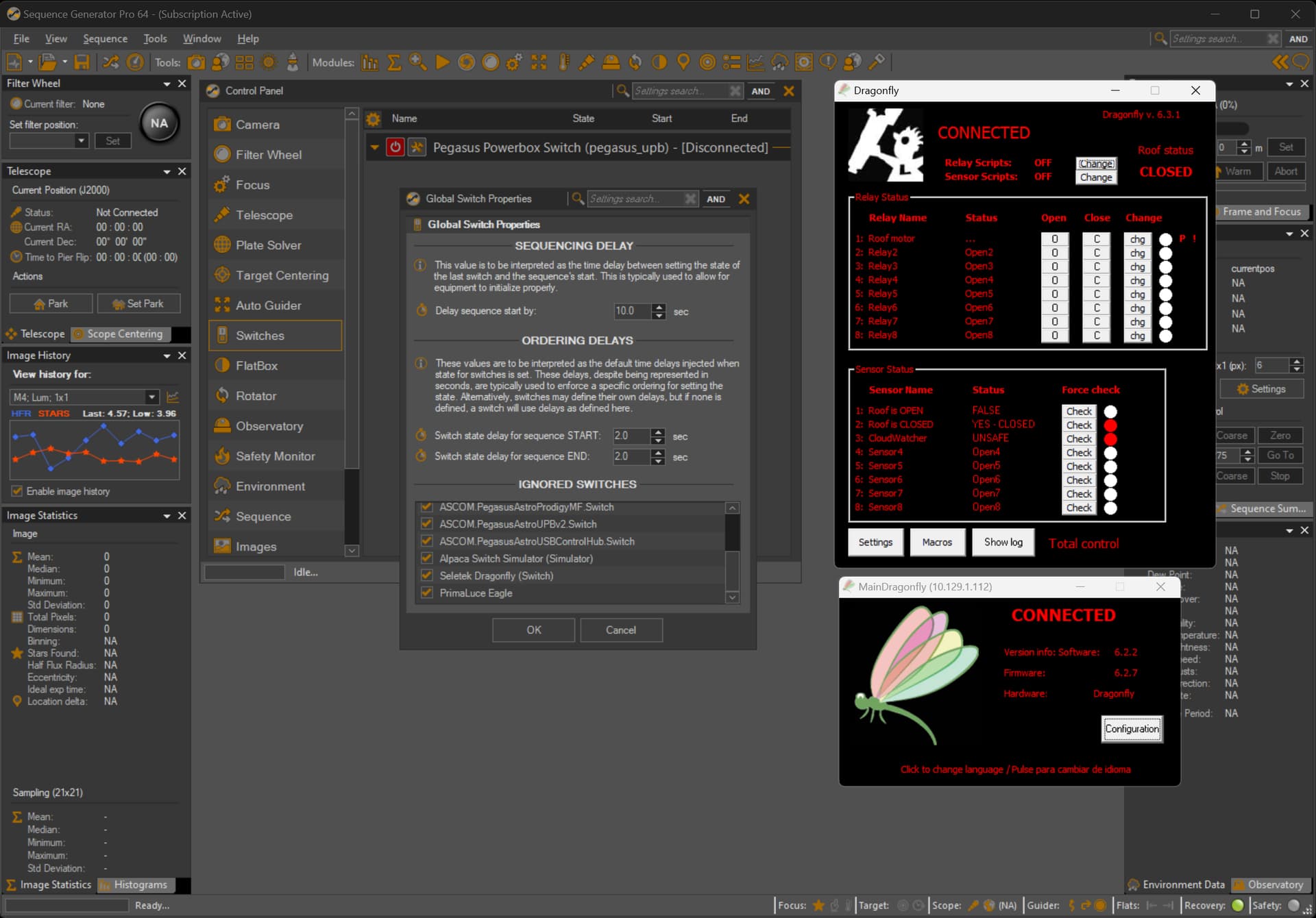
Thanks for further looking into this Ken. This morning I have repeated the test of just starting SGP on my imaging computer, watching it trigger the launch of the Dragonfly application, verifying this switch is indeed set to be ignored and then closing SGP again (see attached screenshots).
I have also a Dropbox link with the logfile of that very short session. It has been shared with support@mainsequencesoftware.com
My imaging computer is at my observatory site where I do not have an internet connection. Thus I copy SGP logfiles from the imaging computer to my regular computer for further analysis and sharing if required.
I use the Dragonfly only for control of my roll-off roof. SGP does get to connect to the device to control the roof (Dome Shutter in ASCOM terminology), but SGP is not used to connect to the Dragonfly switch. I do use a Pegasus Astro UPBv2 switch and that is the only switch that is not set to ignore as you can see below. It might just as well be ignored though as I do not use SGP functionality to control the switch (sorry, I know you have put a lot of effort into making this work).
Thanks for the logs. I did find them in email but do not have access (I have requested access with the account we use).
Also, a curiosity that may be helpful. You also have OmniSim ignored. Do you still see the OnmiSim cmd window pop open as well?
And another thought I just had. What do you have SGPro set to do when it opens? Open a new sequence or open the last sequence? If it is a new sequence, is SGPro using a profile that has the switches ignored?